- The Net Gain
- Posts
- How to Build Chatbots | Complete AI Chatbot Tutorial for Beginners
How to Build Chatbots | Complete AI Chatbot Tutorial for Beginners
Imagine having a Warren Buffet as a mentor... Develop one with ChatBase!

Netzer Wasserberg
October 23, 2023

Nati Harnik/Associated Press
Introduction:
In the realm of finance, staying updated and having a reliable mentor to guide you through the convoluted market scenarios is invaluable. However, what if you could create a mentor that's available 24/7? In this blog post, I'll walk you through creating a no-code trading and investing mentor using ChatBase, a platform that allows you to design intelligent chatbots easily. This guide will help finance professionals to have a go-to resource for their queries. So, let’s dive in!
Step 1: Creating an Account on ChatBase
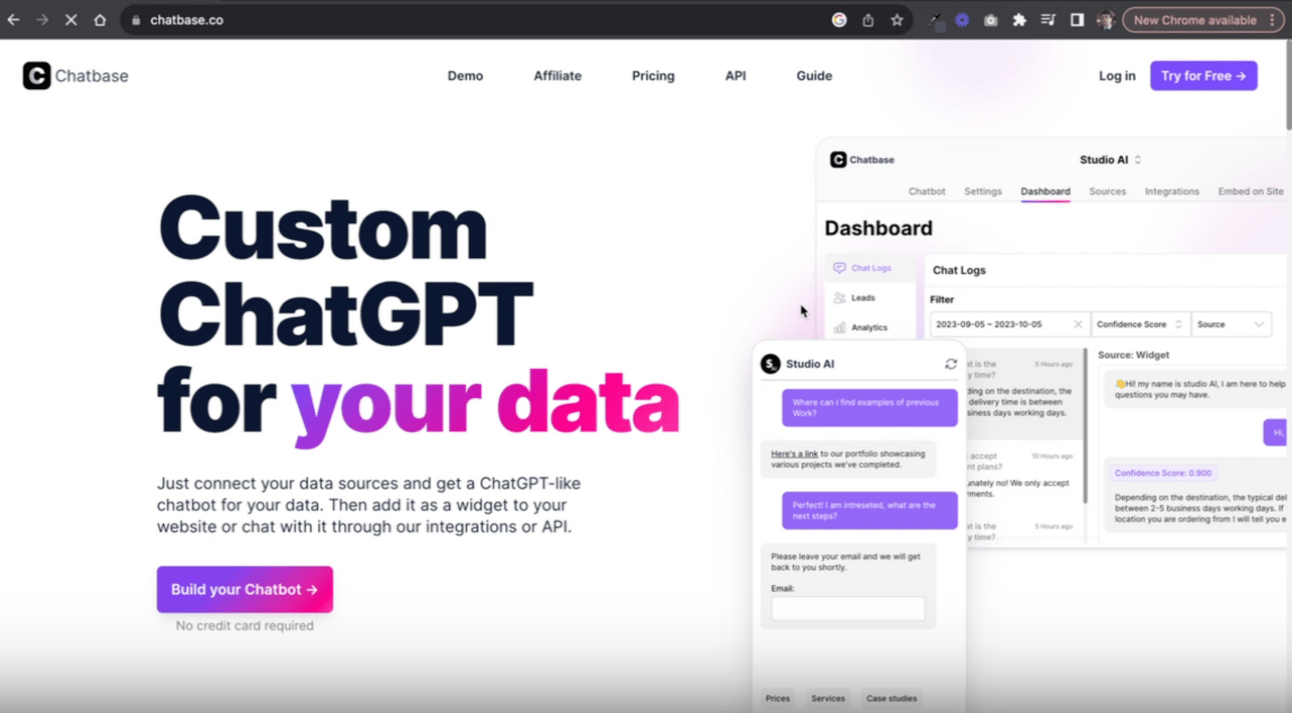
First off, you’ll need to head over to ChatBase and create an account. It’s as straightforward as it sounds. Hit the "Try for Free" button,

fill in your details or use your Google account, and you're good to go.
Step 2: Setting Up Your Chatbot
Once logged in, you'll find yourself on a page showcasing a "New Chatbot" button.

Click on it to start the magic. Our objective here is to create a custom knowledge chatbot, and ChatBase makes it a breeze by allowing you to simply drag and drop resources.

In this example, I'll be utilizing an e-book from the Corporate Finance Institute as the knowledge base for our chatbot.
Step 3: Uploading Your Resource
Now, let’s upload the Trading & Investing e-book by dragging and dropping it into ChatBase. I chose a comprehensive trading book, but you can also go for an accounting book or an investment banking book (this has 400+ pages, so it might be too long), depending on your area of interest. Then click “Create ChatBot”.

Step 4: Improving the Prompt
So now that you’ve created your chatbot, you want to make some modifications. Specifically, improving the prompt. So click on “Settings” on the ribbon above your chatbot.
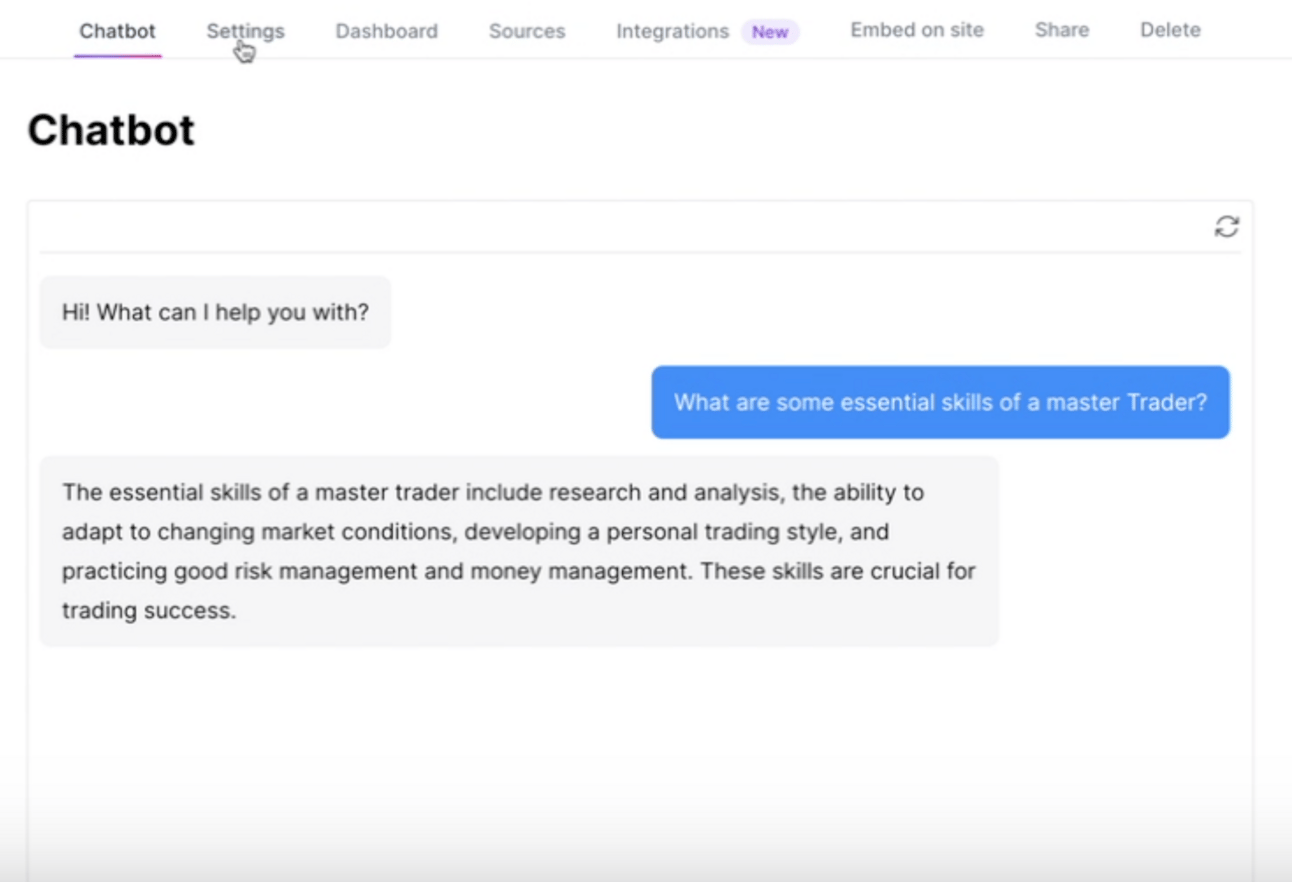
Prompting is important because, unlike ChatGPT, this bot doesn’t have all that many parameters. So you have to guide it on how to interact with the information you provided.
Once you’re in settings, you will want to click on “Model” so that you can craft a prompt.

I crafted a detailed prompt instructing the chatbot to embody Warren Buffett and provide insightful assistance on trading and investing queries. This way, every interaction with the chatbot feels like receiving advice from a seasoned investor.
Step 5: Sharing Your Chatbot
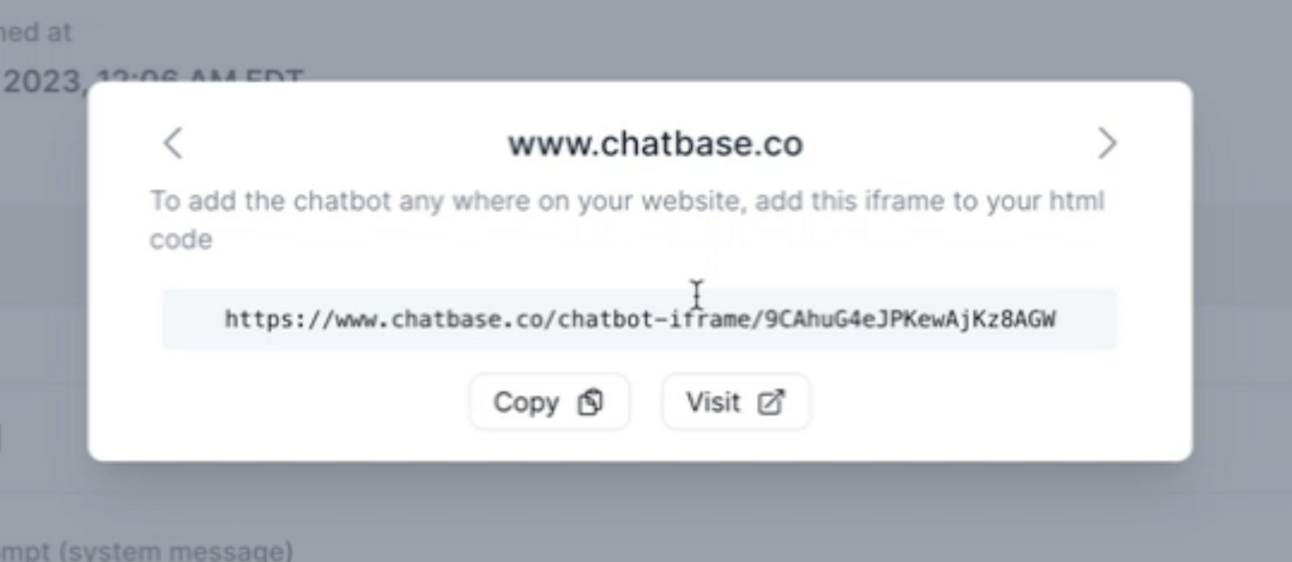
Once satisfied with the setup, you can “share”

your chatbot with clients, external stakeholders, or embed it on your website. ChatBase provides an easy way to make your chatbot public and shareable.
Conclusion:
Creating a no-code trading and investing mentor has never been easier, thanks to platforms like ChatBase. Whether you're a finance professional seeking to broaden your knowledge or looking for a handy tool to assist your clientele, crafting a personalized chatbot is a forward-thinking move. Now, it's your turn to build, share, and learn from your digital mentor. Until next time, happy investing!
P.S.
If you loved this article, and want to learn more about building financial automations… Subscribe to Financial Flux! Where we serve up sharp insights and easy-to-implement AI hacks that supercharge productivity in the financial industry.
Reply